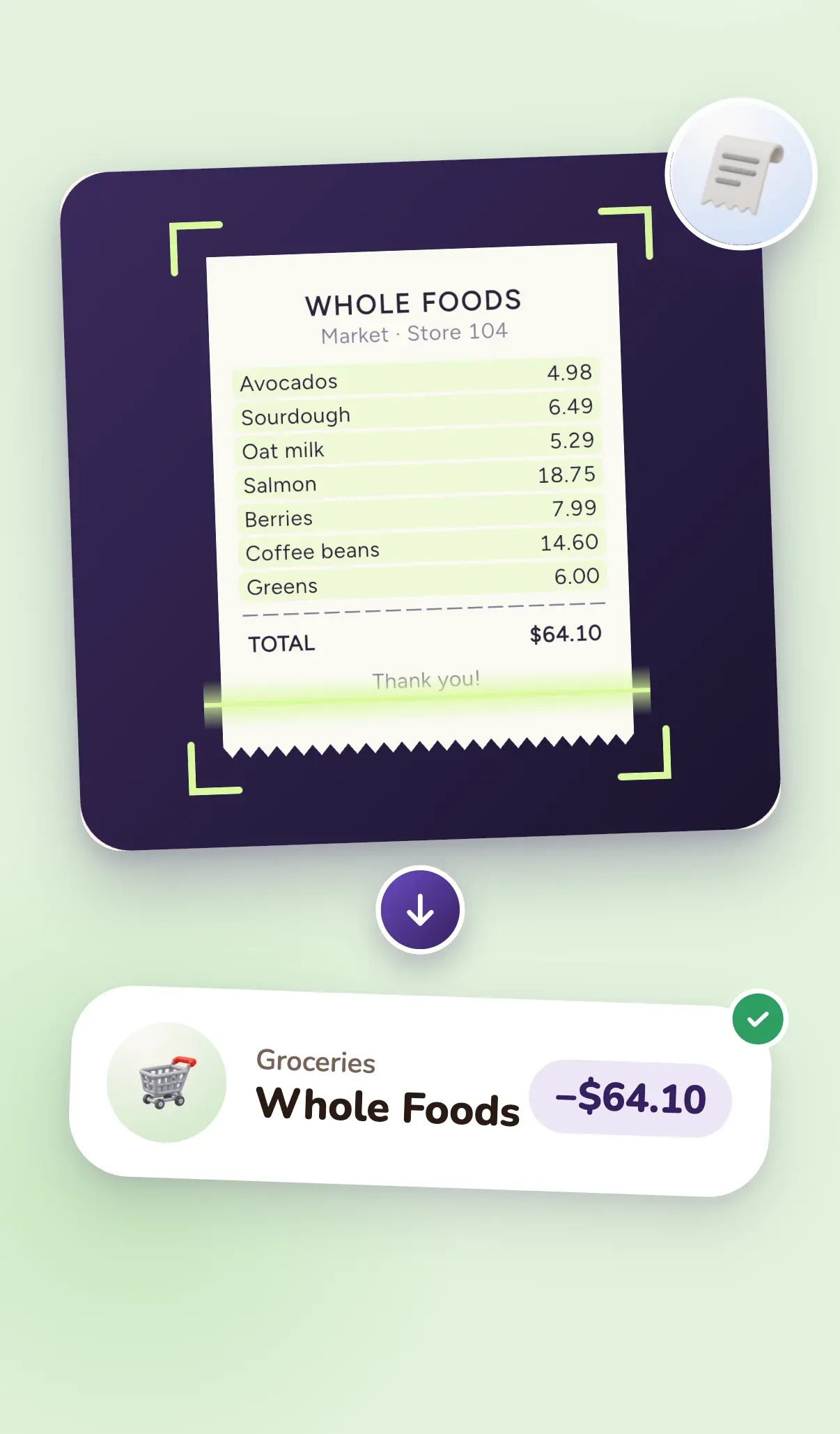
How to scan a receipt
- Tap the receipt button in Sayvings.
- Take a photo of the receipt, or choose one you already have.
- Check what it found: the store, the total and the date.
- Save. The entry joins your month, budget and insights.
Tips for a clean scan
- Lay the receipt flat in good light.
- Fit the whole receipt in the frame, including the total.
- Scan it soon: thermal receipts fade over time.
Why scan receipts instead of keeping them?
A drawer of receipts tells you nothing until you add them up. Scanning turns each one into an entry straight away, so your spending is always current and you can throw the paper away. For a one-off purchase, saying it out loud with the voice expense tracker can be even quicker.
Receipt scanner vs. bank sync
| Receipt scanning in Sayvings | Bank-connected apps | |
|---|---|---|
| Bank login | Not needed | Required |
| Cash purchases | Included when you scan or say them | Often missing |
| What’s tracked | Only what you add | Every transaction |
| Effort | A few seconds per receipt | Fixing categories later |
Receipt scanning is part of Sayvings Pro. The yearly plan starts with a free trial. See pricing.
 Voice expense tracker
 AI budget app
 How to track expenses