Why track your expenses?
Most people have a rough idea of their big bills, like rent and the phone, but not of the small, frequent spending in between. Tracking shows you where your money actually goes. That’s the starting point for any budget, saving goal or plan to pay off debt.
Step 1: Choose one place to record everything
The best method is the one you’ll keep using. Each has trade-offs:
| Method | Good for | Watch out for |
|---|---|---|
| Notebook | Free, no tech, very simple | Easy to forget; adding up is manual |
| Spreadsheet | Flexible, free, good for charts | Needs a computer and regular sit-down sessions |
| Bank-connected app | Imports card spending automatically | Needs your bank login; misses cash; categories often need fixing |
| Simple tracking app | Quick to add on the go; totals and budgets done for you | You still have to add each expense |
Whatever you pick, use only one. Spending split across a notebook, two apps and your memory never adds up.
Step 2: Set up a few simple categories
Start with 8 to 10 broad categories. You can always split them later. A good starting set:
- Housing (rent or mortgage)
- Utilities and phone
- Groceries
- Eating out and coffee
- Transport and fuel
- Subscriptions
- Shopping
- Health
- Entertainment
- Savings and debt payments
Step 3: Record every expense the same day
This is the step that makes or breaks tracking. Expenses you plan to “add later” get forgotten. Record each one when you pay, or at least before bed. Include cash, small purchases and transfers to friends.
The faster recording is, the more likely you are to keep doing it. That’s why Sayvings lets you just say it, like “Coffee 4.50 and groceries 62”, or scan the receipt. More on that in our guide to the voice expense tracker.
Step 4: Review your spending once a week
Spend five minutes each week looking at your totals by category. Ask yourself:
- Which category is bigger than I expected?
- Which purchases would I not make again?
- Are any subscriptions going up or no longer used?
In Sayvings you can simply ask questions like these and get answers from your own entries. See the AI budget app page.
Step 5: Turn it into a monthly budget
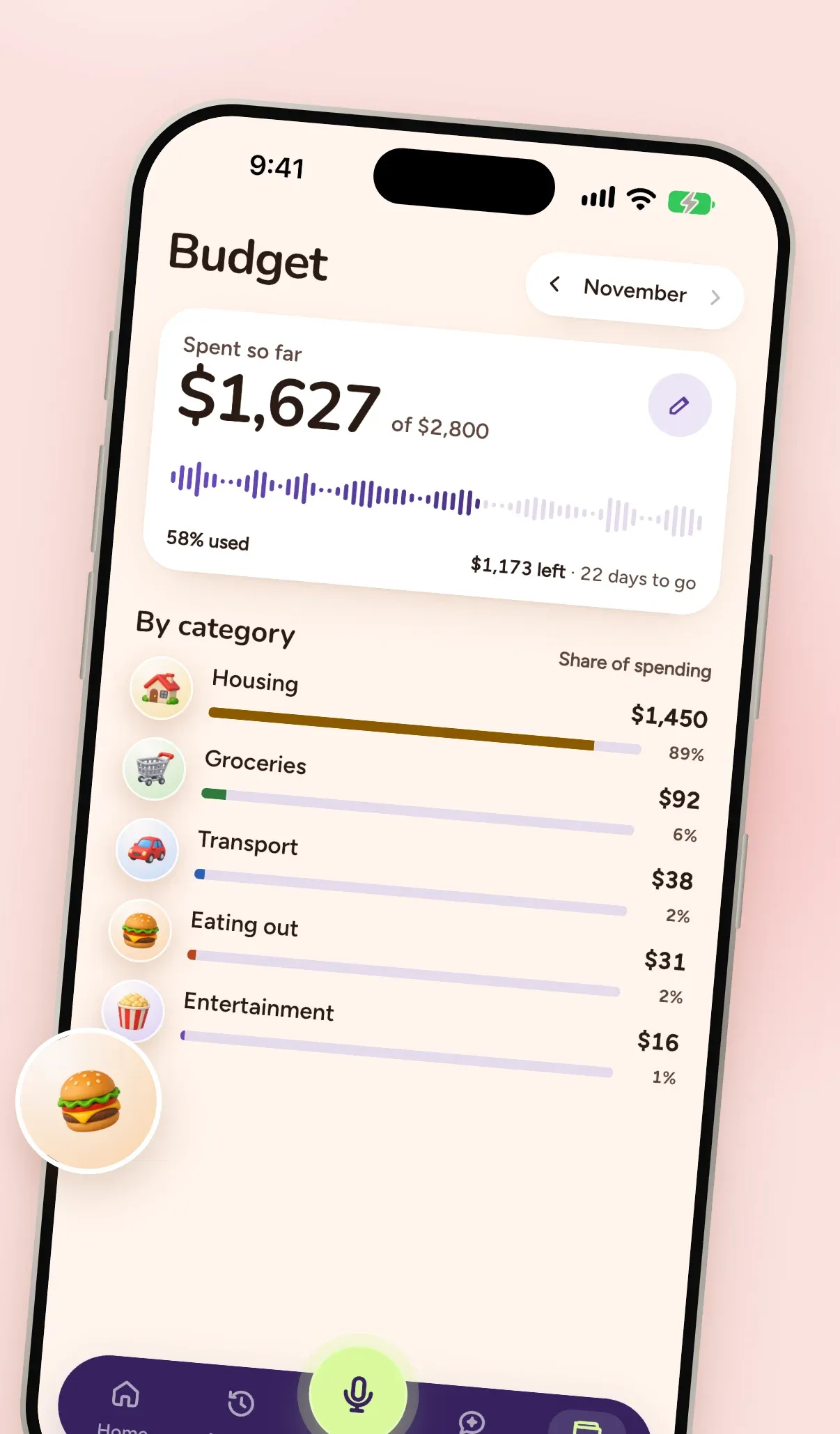
After a full month you know your real spending. Set a monthly total you’re comfortable with, then check how much is left as the month goes on. If you overspend in one category, take it from another rather than giving up on the month.
Common mistakes to avoid
- Waiting to add expenses. A week of receipts is a chore; one entry is a few seconds.
- Too many categories. Thirty categories make every entry a decision. Keep it broad.
- Skipping cash. Cash spending is still spending, and it’s the easiest to lose track of.
- Judging yourself. The first month is about seeing the truth, not being perfect.
 Voice expense tracker
 Receipt scanner
 AI budget app