
Expense tracker app for iPhone
Just say it.
We’ll do the math.
Sayvings is the expense tracker you just talk to. Say “Lunch was 14 bucks” and it’s saved, with the amount, category and date filled in. No forms, no spreadsheets, no bank login.
iPhone · Free to download · No ads
Why Sayvings
You talk, and it keeps the books.
Most people stop tracking their spending after a week, because typing every coffee into an app is a chore. Sayvings removes the chore: saying an expense takes about as long as thinking it.
Knowing where your money goes is the first step to changing where it goes.
Just say it
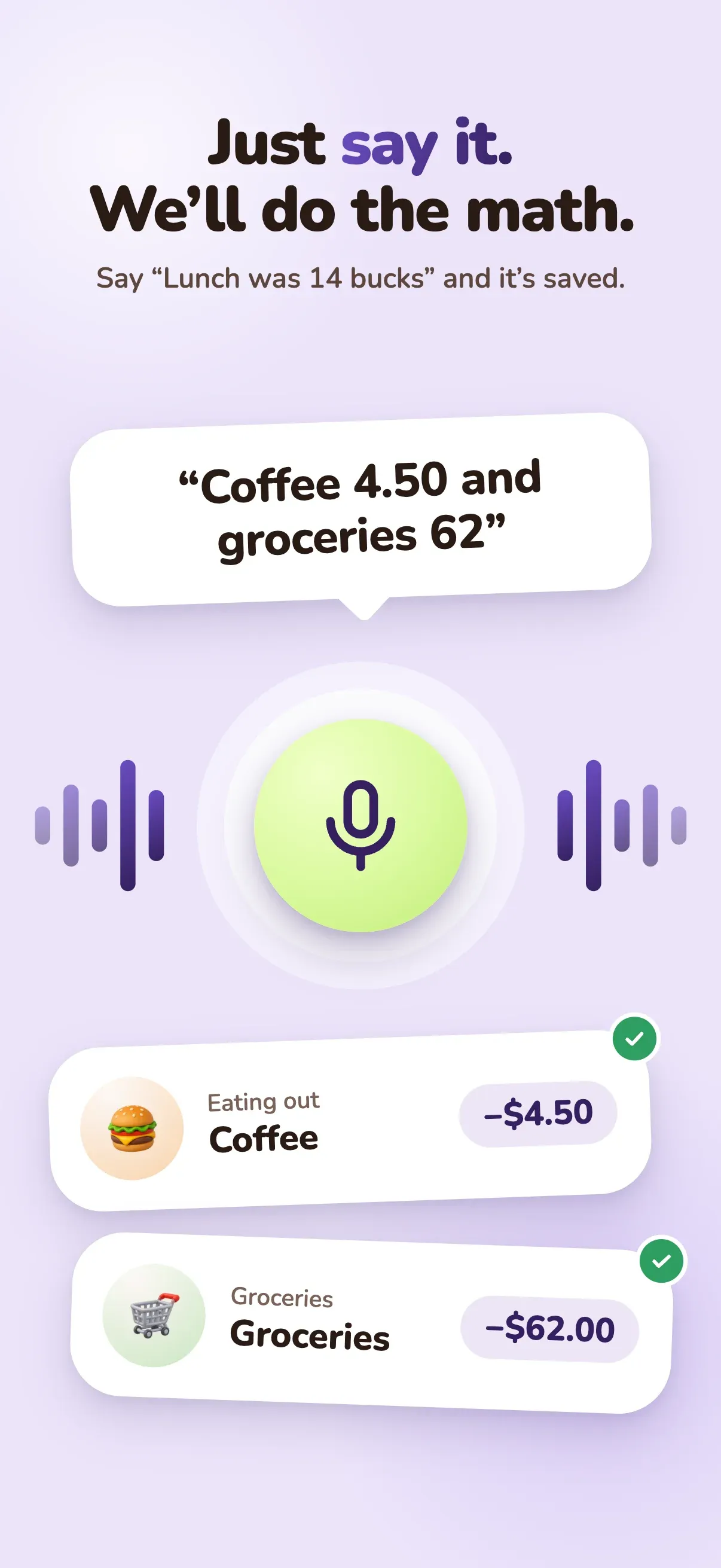
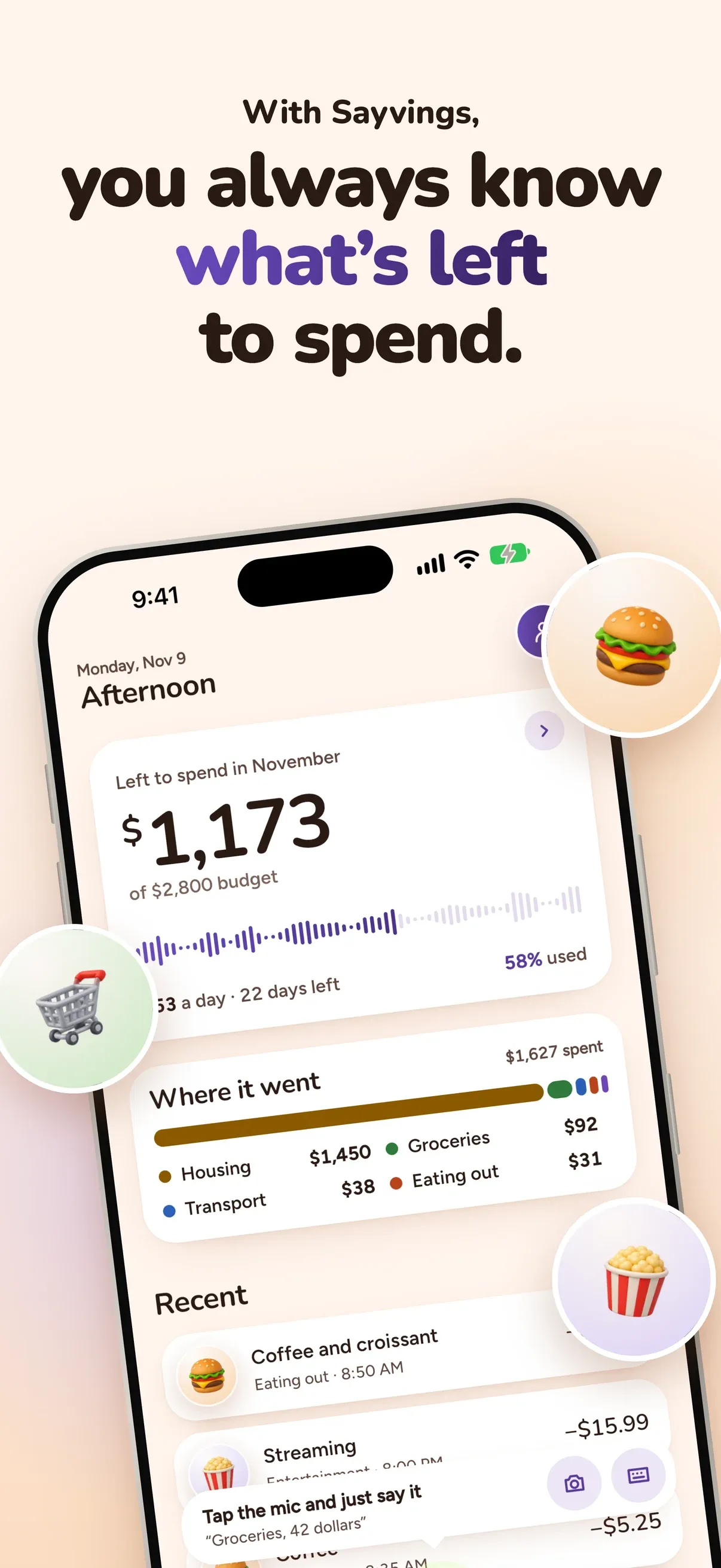
Tap the mic and talk like you normally would: “Coffee 4.50 and groceries 62.” Sayvings hears every amount, picks the right category and saves each entry. Several at once is fine.
How voice entry works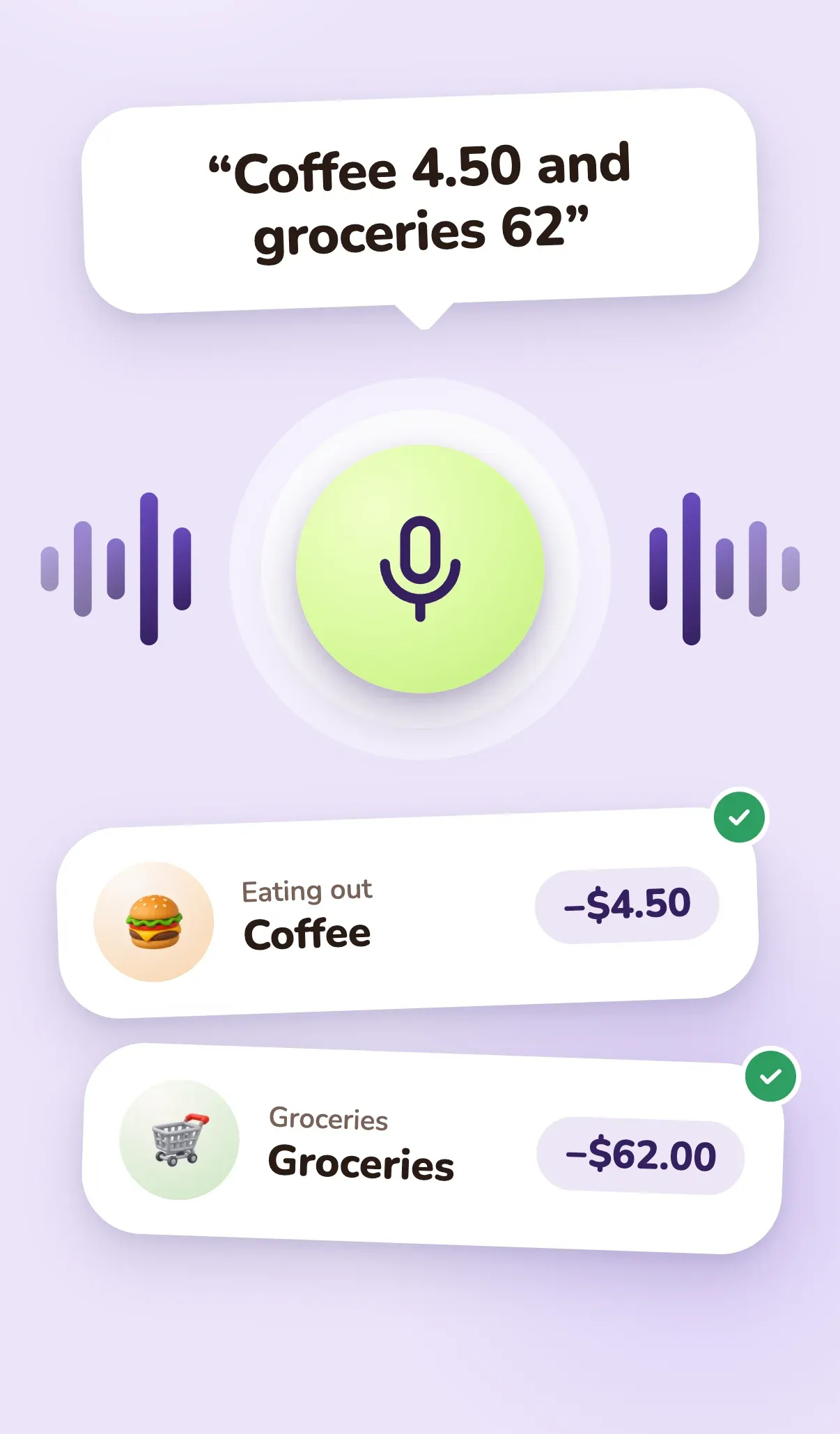
Snap a receipt
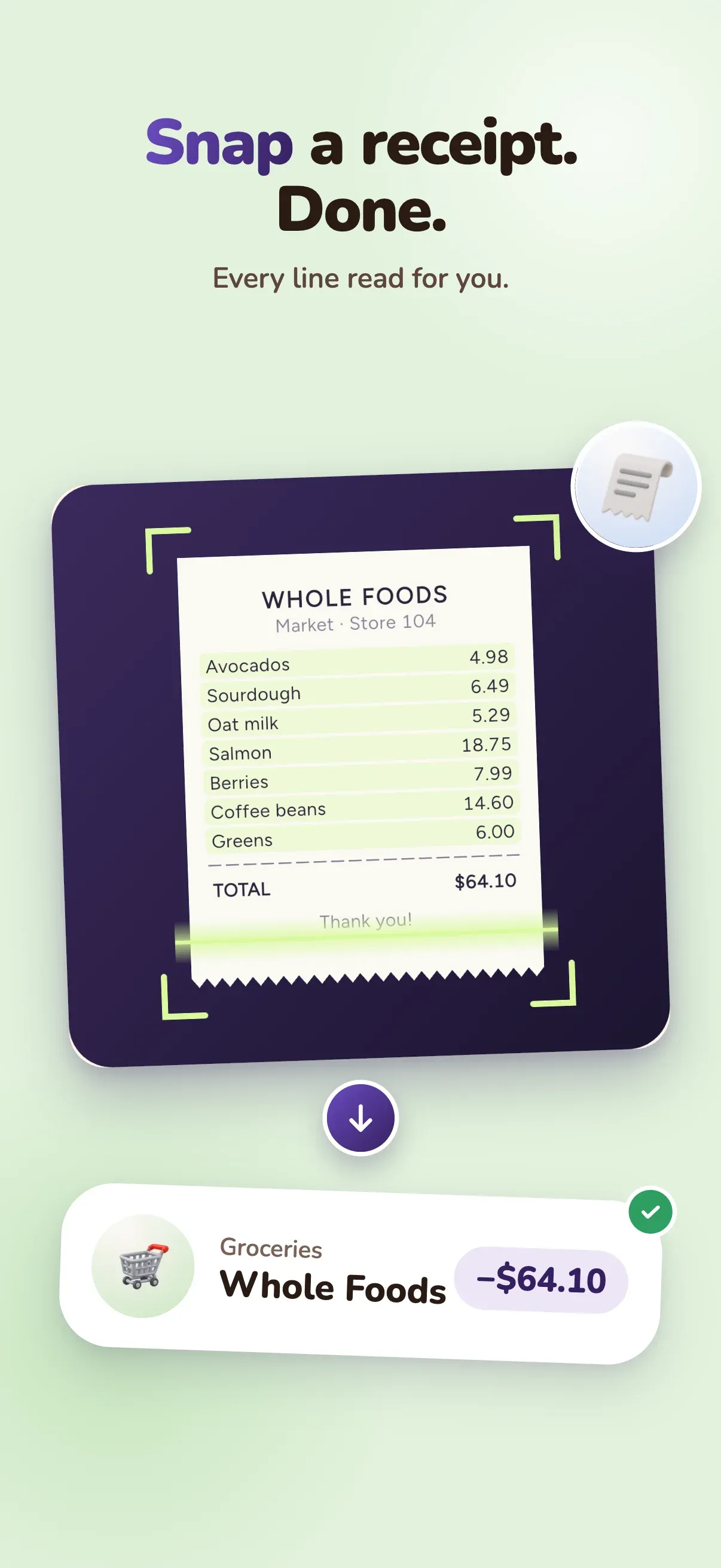
Take a photo of a receipt, or pick one from your photos. Sayvings reads the store, the total and the date, and adds the entry for you.
About the receipt scanner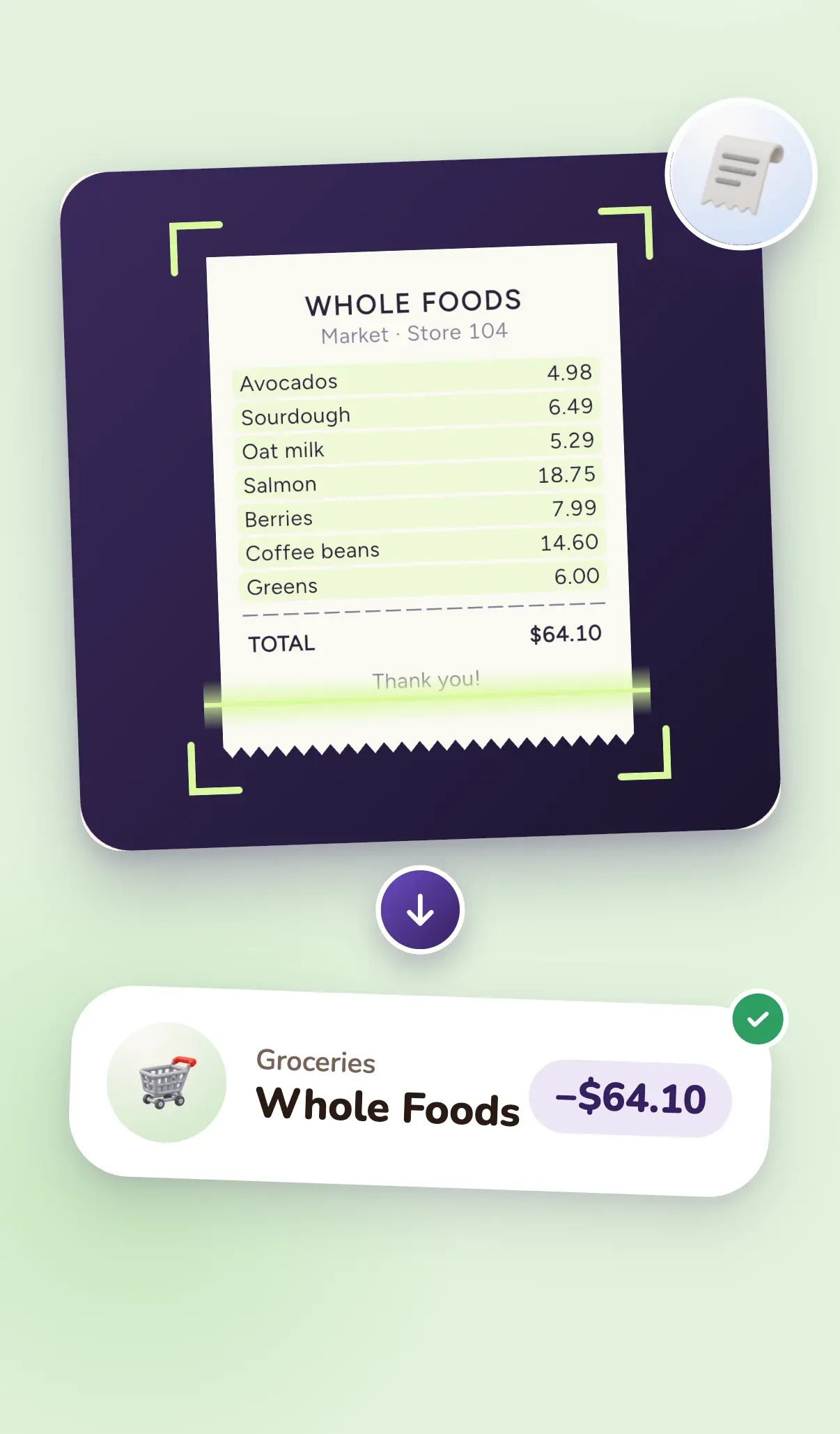

Ask Sayvings AI
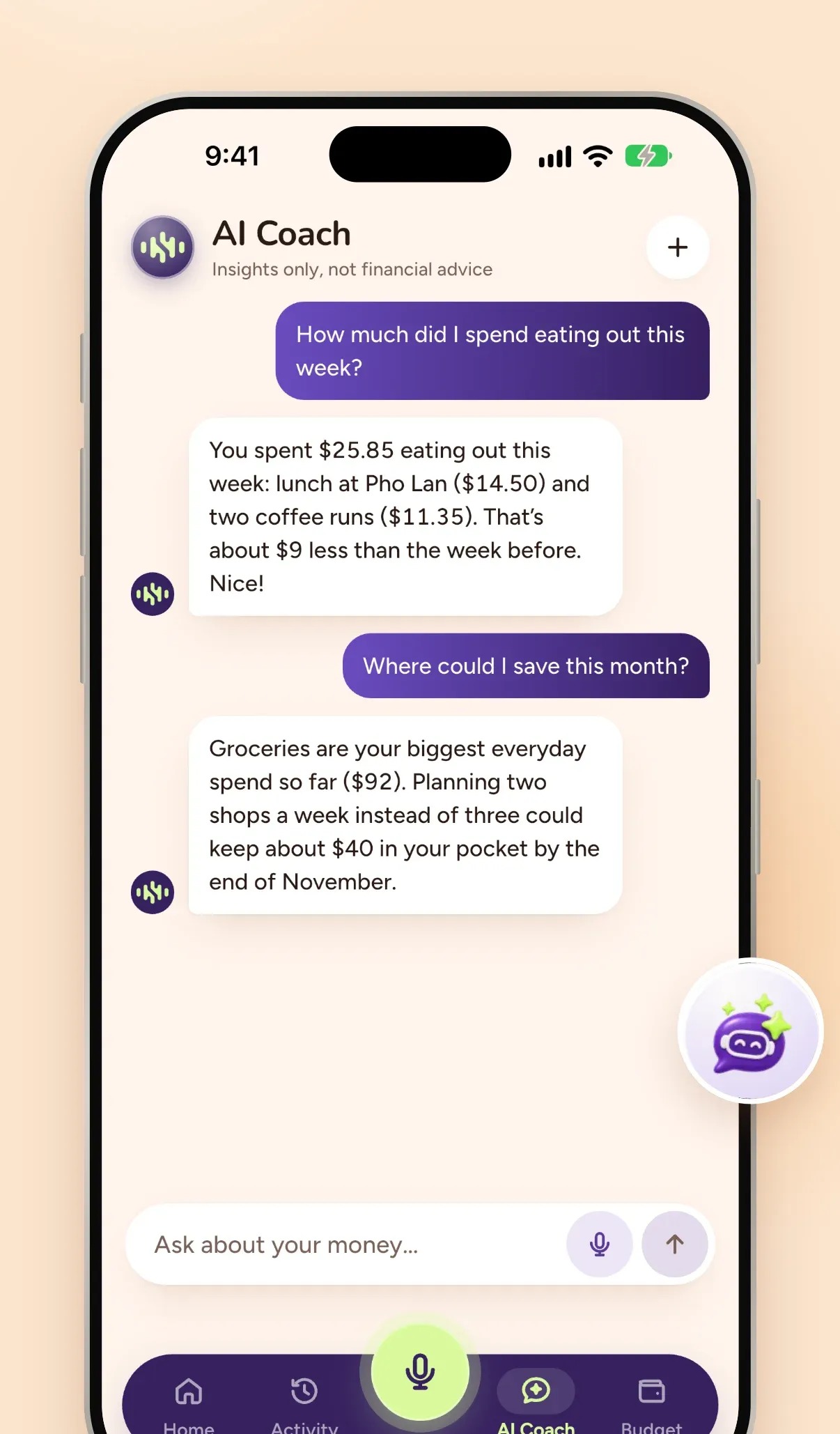
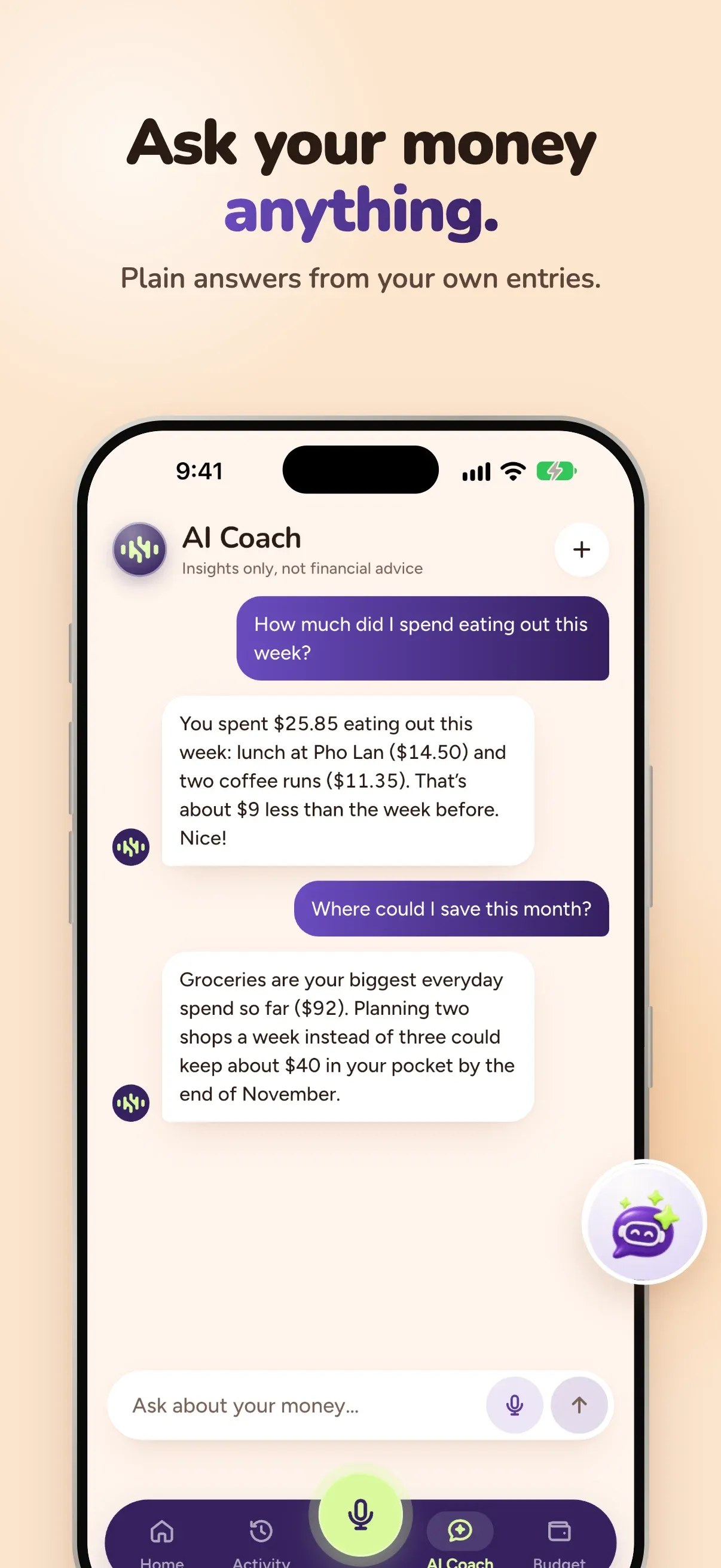
Ask questions about your own money in plain words. Sayvings AI answers from your entries, with real numbers instead of generic tips.
- “How much did I spend eating out this week?”
- “Where could I save this month?”
- “Did my subscriptions go up?”

See where it all goes
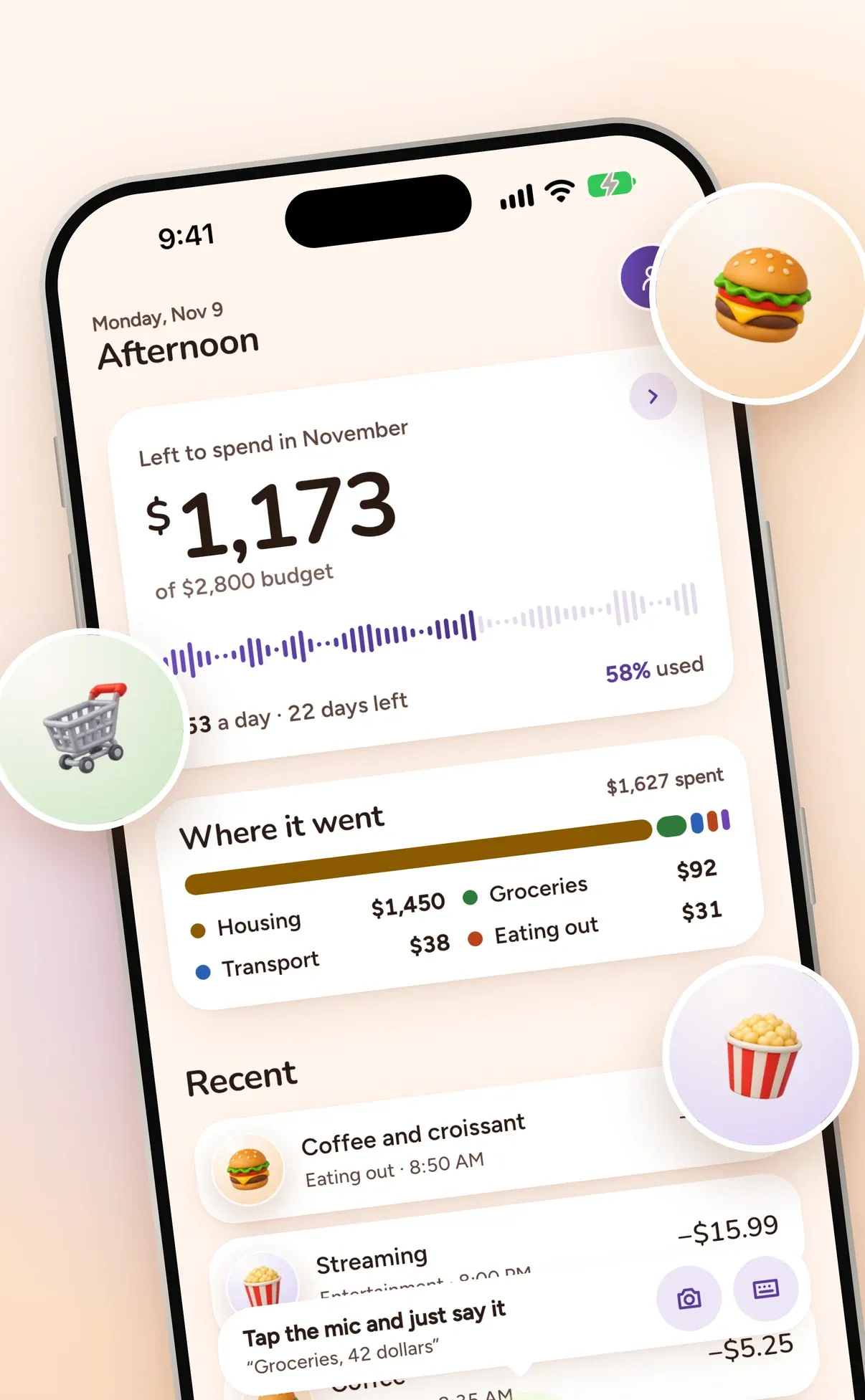
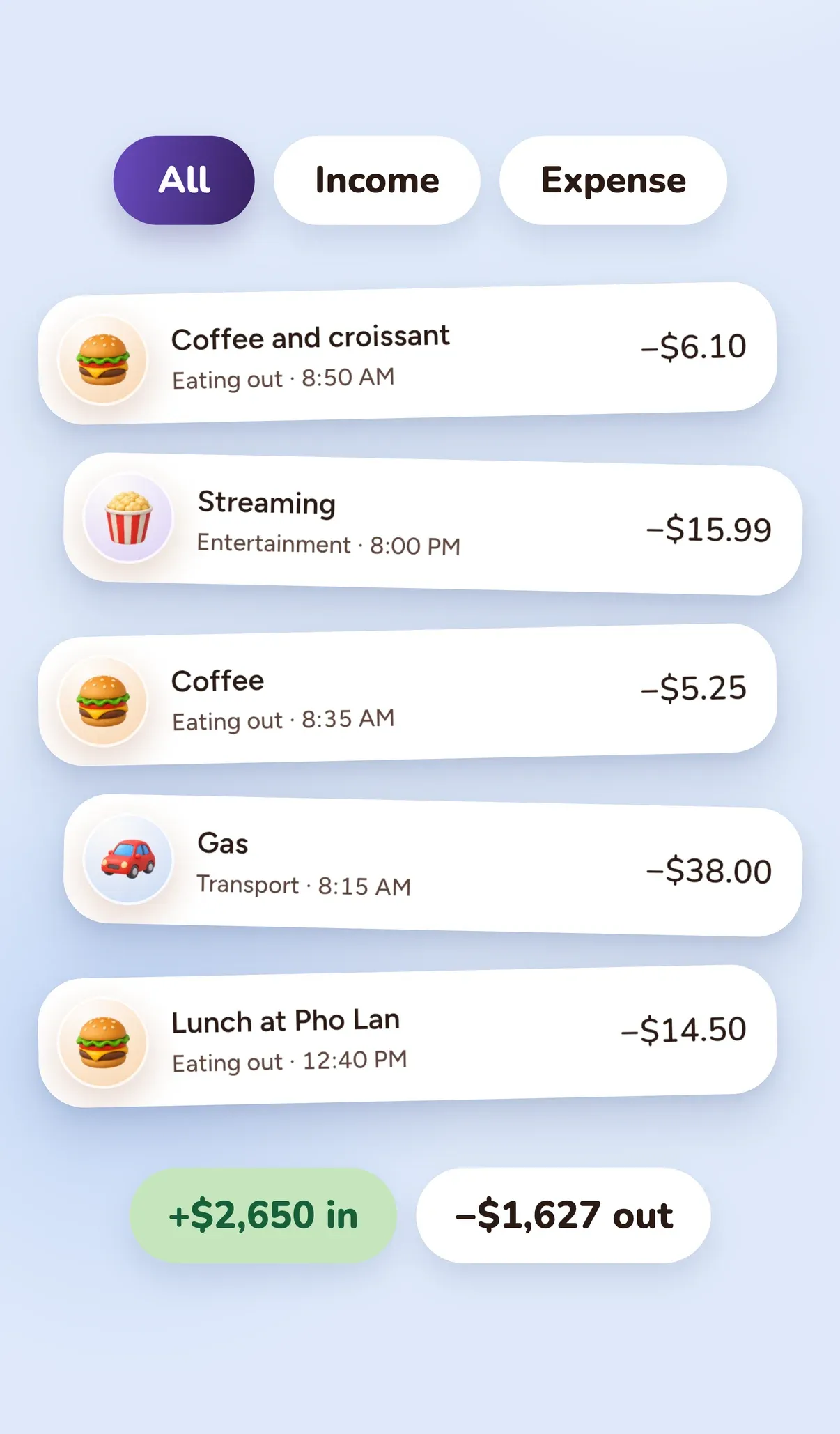
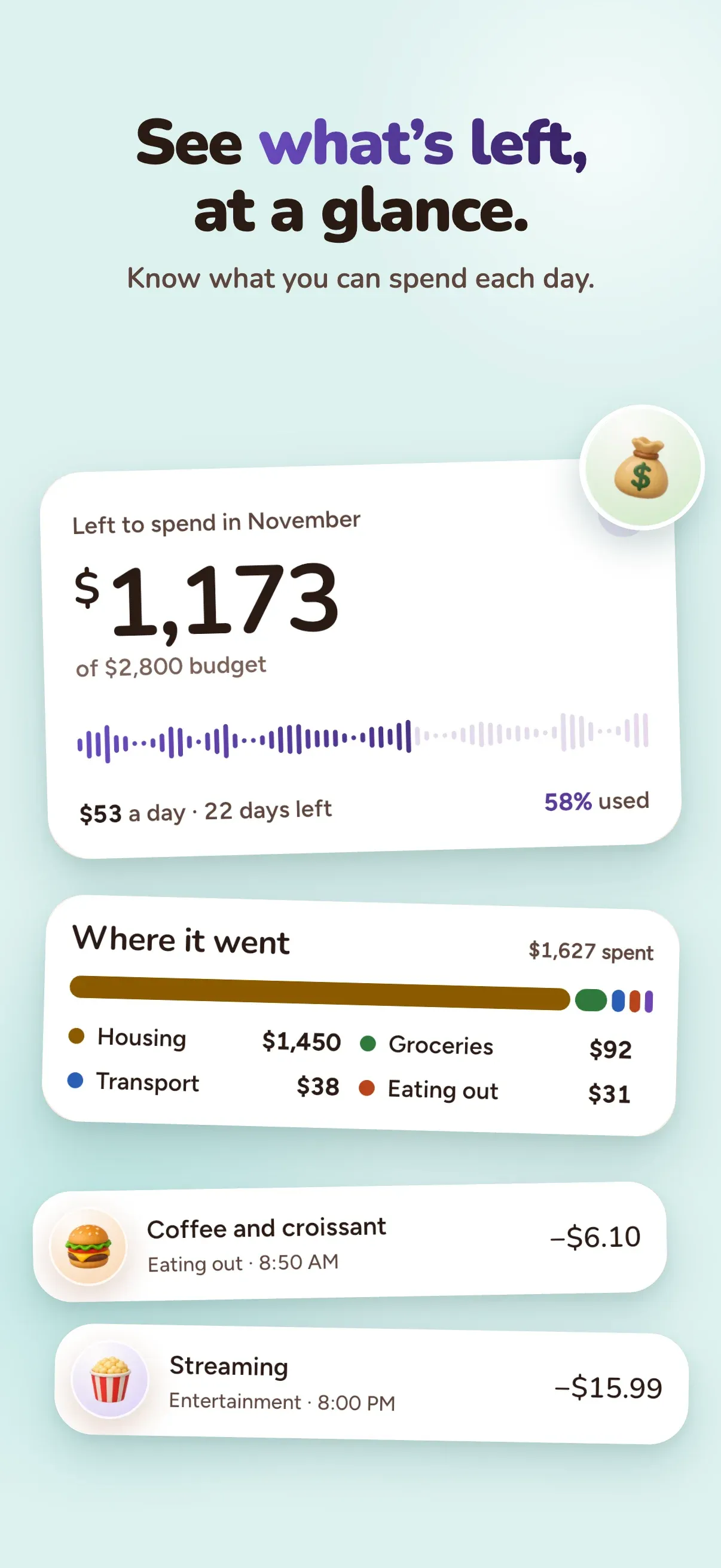
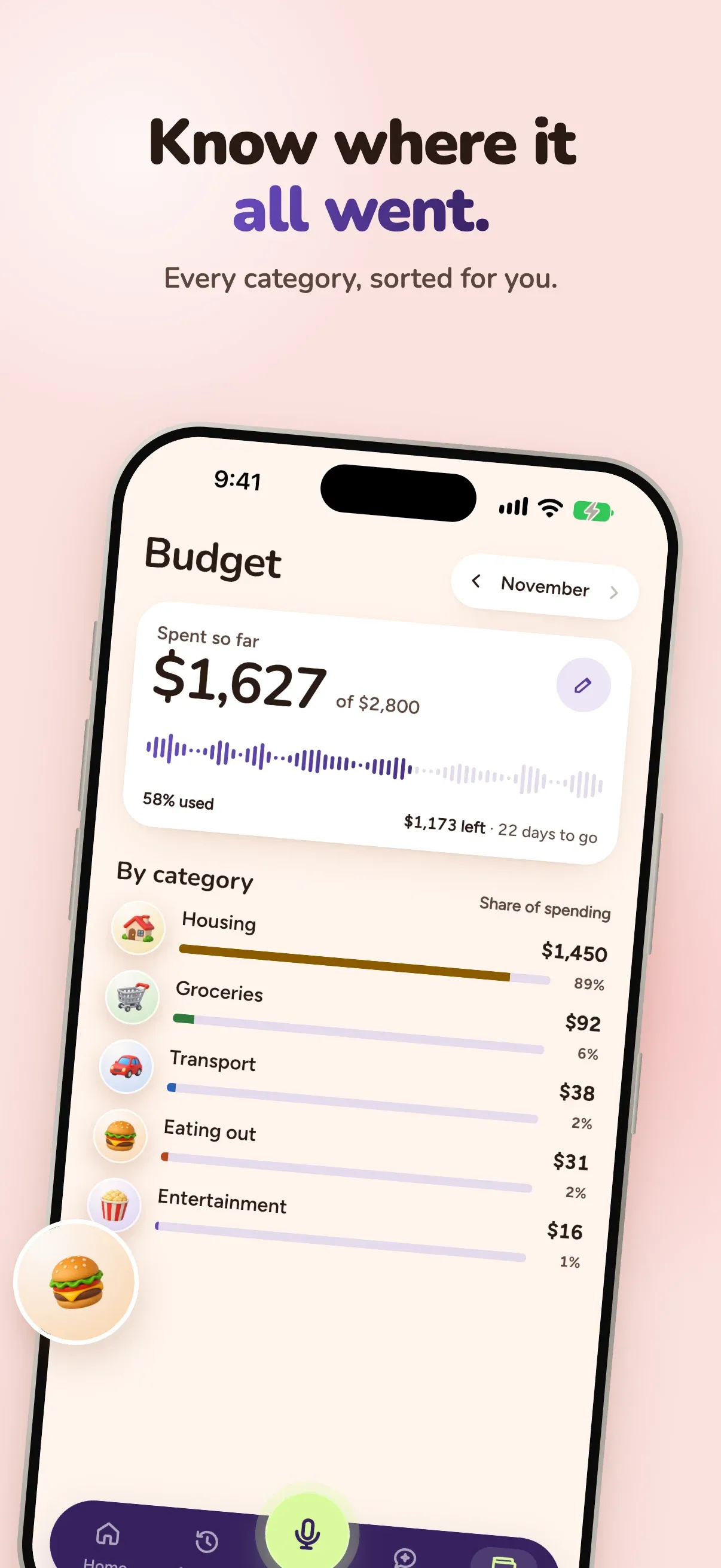
Your month at a glance: what you spent, what you earned and your top categories. See where the money goes without doing any math.
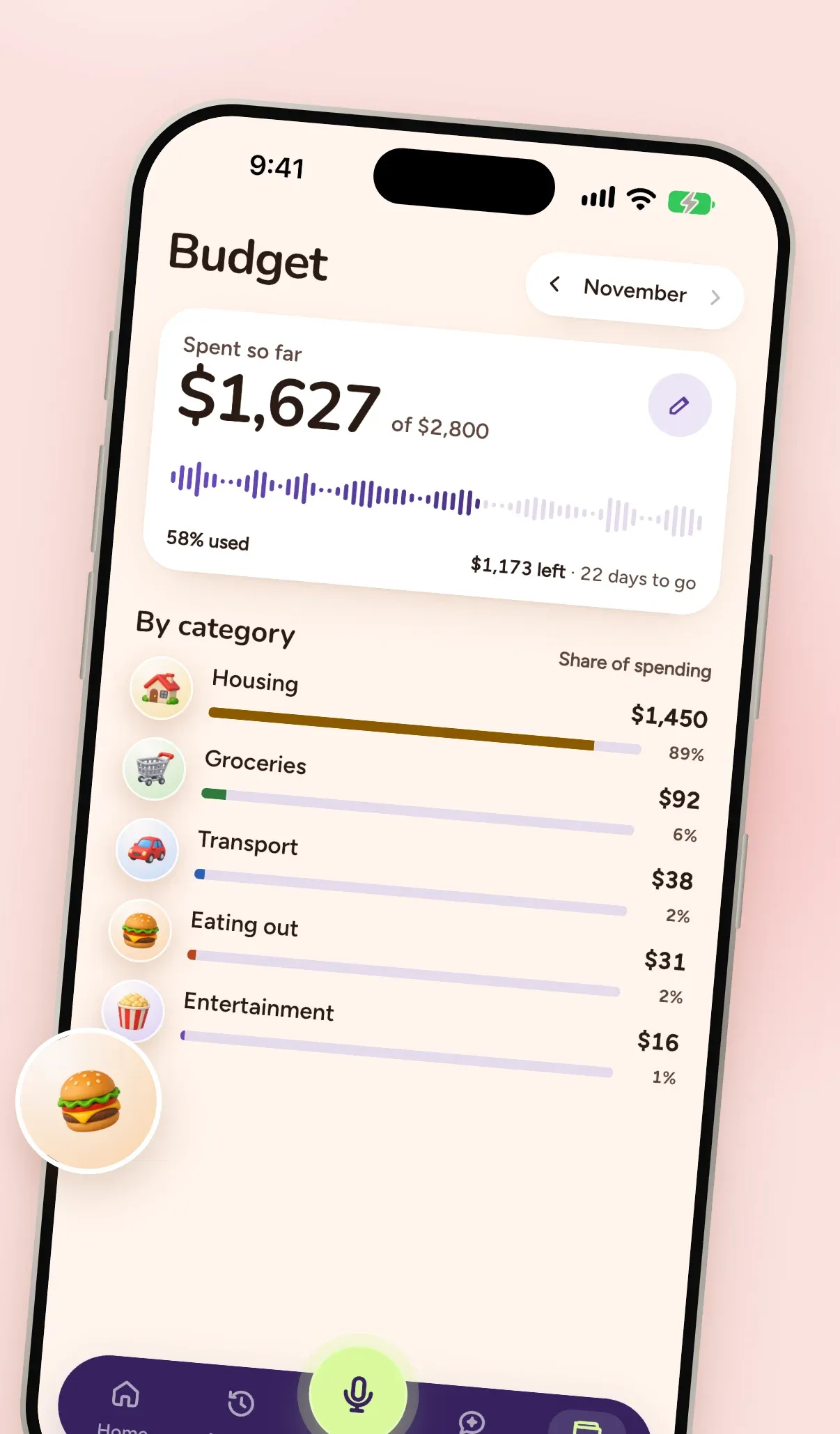

A budget that keeps up
Set a monthly budget in seconds. Sayvings shows how much is left as you go, so there are no surprises at the end of the month.
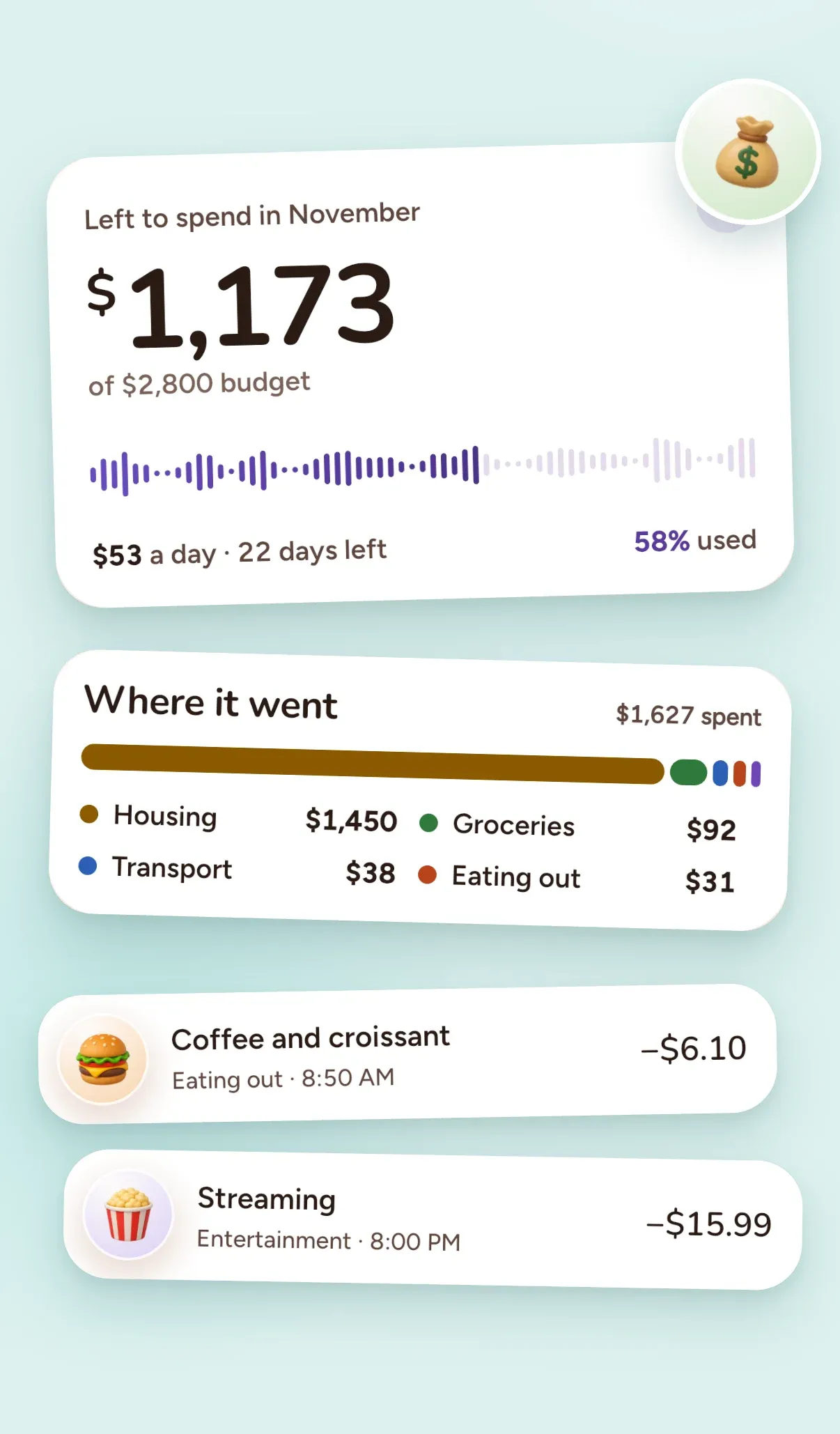

Every entry in one place
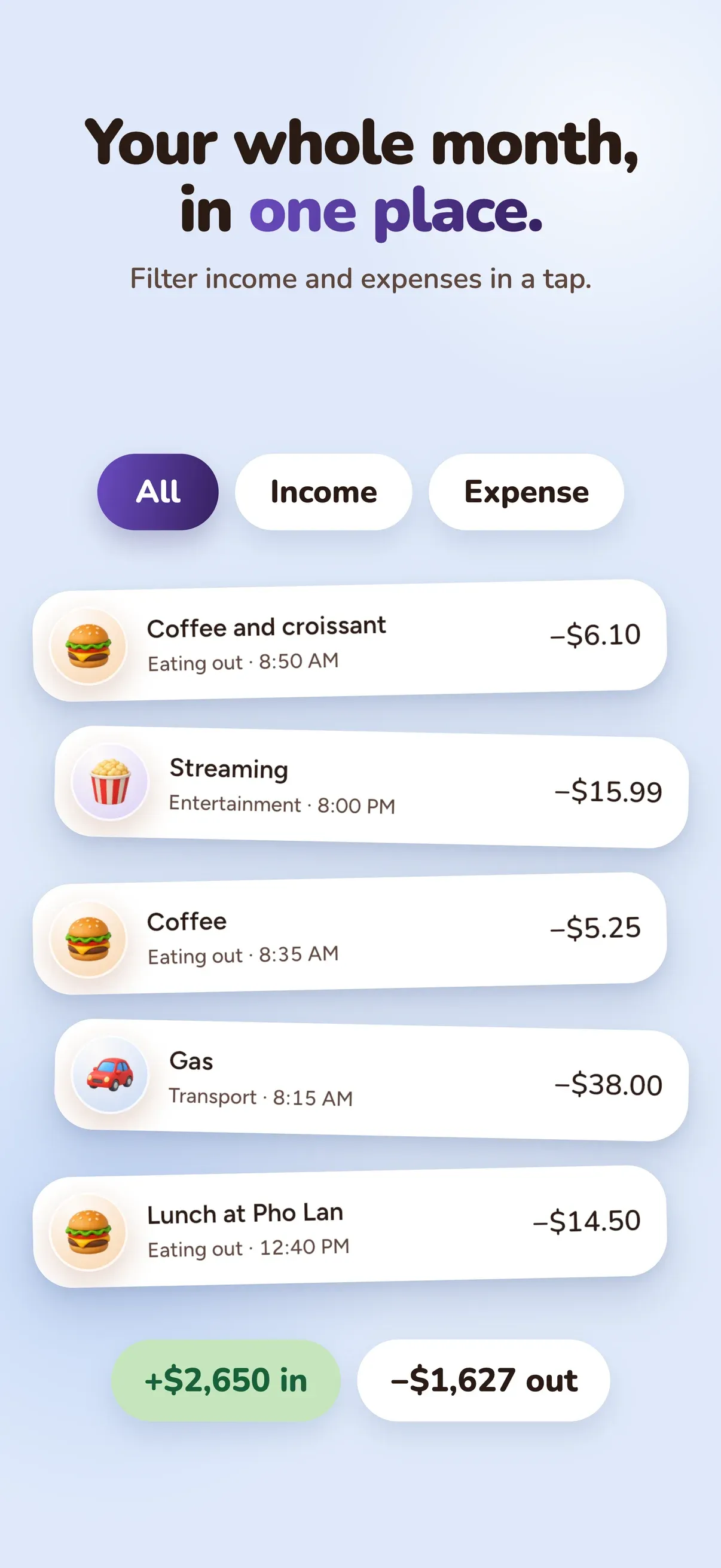
Search, edit or delete any entry. Use the built-in categories or make your own. Sign in with Apple or Google to keep everything in sync.
Take a look
Swipe to see more
How it works
Say it. Check it. See it.
Say it.
Tap the mic and say what you spent or earned.
Check it.
Sayvings shows the entry, with amount, category and date, ready to save.
See it.
Your month, your budget and your insights update right away.
Private by design
A budget app that doesn’t need your bank login. Sign in with Apple or Google and your entries stay in your own account. Voice recordings and receipt photos are deleted after they become entries.
Read the Privacy Policy No ads, ever
 No tracking, and your data is never sold
 No bank login needed. You decide what goes in
Sayvings Pro
Everything, unlocked
Voice entry, receipt scanning, Sayvings AI, budgets, insights and unlimited entries. Monthly or yearly; the yearly plan starts with a free trial.
FAQ
Questions, answered
Questions or feedback?
Email us and we’ll reply within 2 business days. Sayvings is made by Pixeldea in British Columbia, Canada.
support@pixeldea.comWhat is Sayvings?
Do I need to connect my bank?
Does it understand how I talk?
Can I type instead?
How much does Sayvings cost?
Is my data private?
Does it sync between devices?
Can I delete my data?

Just say it.
Download Sayvings for iPhone. Free to download; the yearly Sayvings Pro plan starts with a free trial.
Download on theApp Store